
More than 500K
active users

4.9/5
AI Dubbing For Videos
In The Speaker’s Own Voice
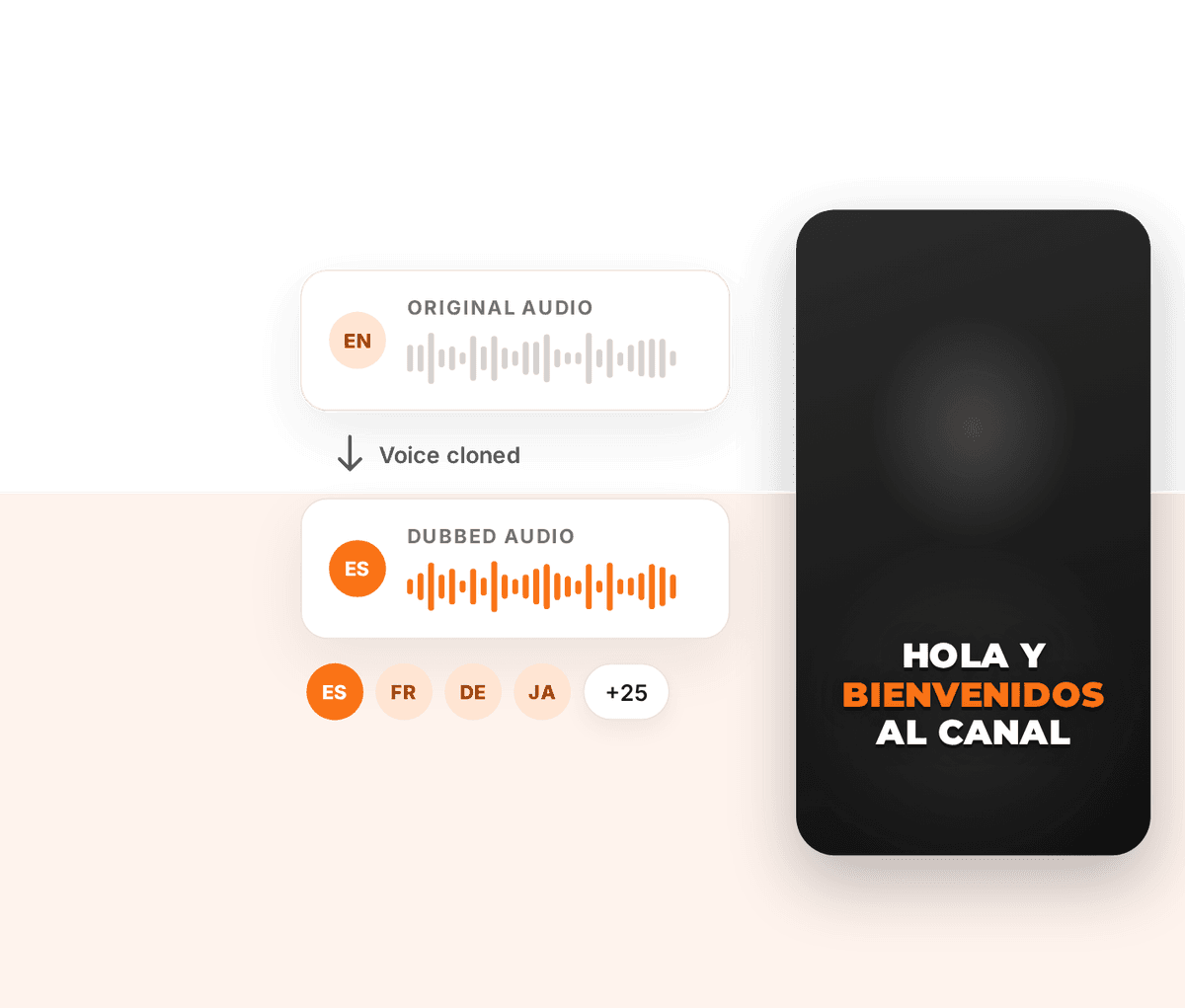
Upload a video, pick a language, and ZapCap replaces the spoken audio with a voice-cloned voiceover, then captions it in the same language. 29 languages.

Included with Pro and Agency+


Trusted by leading creators and businesses worldwide


How it works
Dub a video in 3 steps
Dubbing lives in the same dialog you already use to caption a video.
- 1
Upload your video
Start a Generate Captions project and upload an .mp4 or .mov. Choose the language spoken in the video as the source language.
- 2
Tick “Dub spoken audio” and pick a language
Choose any of the 29 target languages. ZapCap shows how many AI credits the dub will use before you start.
- 3
Edit the captions and export
The project opens in the caption editor in the new language. Fix a word, change the style, then export the dubbed, captioned video.
What you get
A new voice track, not just new subtitles
Dubbing changes what viewers hear. The captions are rebuilt to match it.
Cloned from the speaker
The voiceover is generated from the voice already in your video, so the dub still sounds like the person on screen.
Captions follow the new voice
Captions are built from the dubbed audio, so they are in the target language and timed to the new voiceover.
29 languages
Spanish, French, German, Portuguese, Hindi, Japanese, Korean, Arabic and 21 more. The full list is in the FAQ below.
Cost shown before you start
Dubbing uses 2 AI credits per second of video. The dialog shows the total for your video, and credits are returned if the project cannot be created.
Fully editable
A dubbed video is a normal ZapCap project. Every caption template, style and edit you use today works on it.
Available in the API
Add dub: true alongside translateTo on a video task to dub programmatically.
Related
More ways to reach other languages
Got Questions?
AI Dubbing supports 29 target languages: English, Chinese, Spanish, Hindi, Portuguese, French, German, Japanese, Arabic, Russian, Korean, Indonesian, Italian, Dutch, Turkish, Polish, Swedish, Filipino, Malay, Romanian, Ukrainian, Greek, Czech, Danish, Finnish, Bulgarian, Croatian, Slovak and Tamil.
Yes. The voiceover is cloned from the speaker in the video you upload, so you do not record anything or pick a stock voice.
No. AI Dubbing replaces the audio track and rebuilds the captions. The picture is not changed, so lip movements stay as they were recorded.
AI Dubbing is available on Pro and Agency+. It uses AI credits, which are part of your plan, at 2 credits per second of video. The exact cost for a video is shown before you upload.
Yes. ZapCap builds the captions from the dubbed audio, so they are in the target language and stay in sync with the new voice. You can edit them like any other captions.
AI Dubbing turns one video into one other language using a clone of the speaker’s voice. Localise MAX turns one video into up to 5 languages at once, across 65 languages, using a natural AI voice instead of a clone.
Yes. Send dub: true together with translateTo when you create a video task. API dubbing is billed at $1.00 per minute of video on top of rendering.
Give your video a second language in your own voice
Dub it, caption it and export it from one editor.
Included with Pro and Agency+